
Access control
Unlock a door, open a gate, switch on a light or sound a siren from a camera event, using the inputs and outputs on ONVIF and Axis cameras.
How it worksWatch your cameras and get alerted when something moves. Live view, recording on motion, and an email with a picture the moment it happens — on the Windows PC you already have.
Free 1 camera license for life — including a free worldwide LPR license. No subscription.
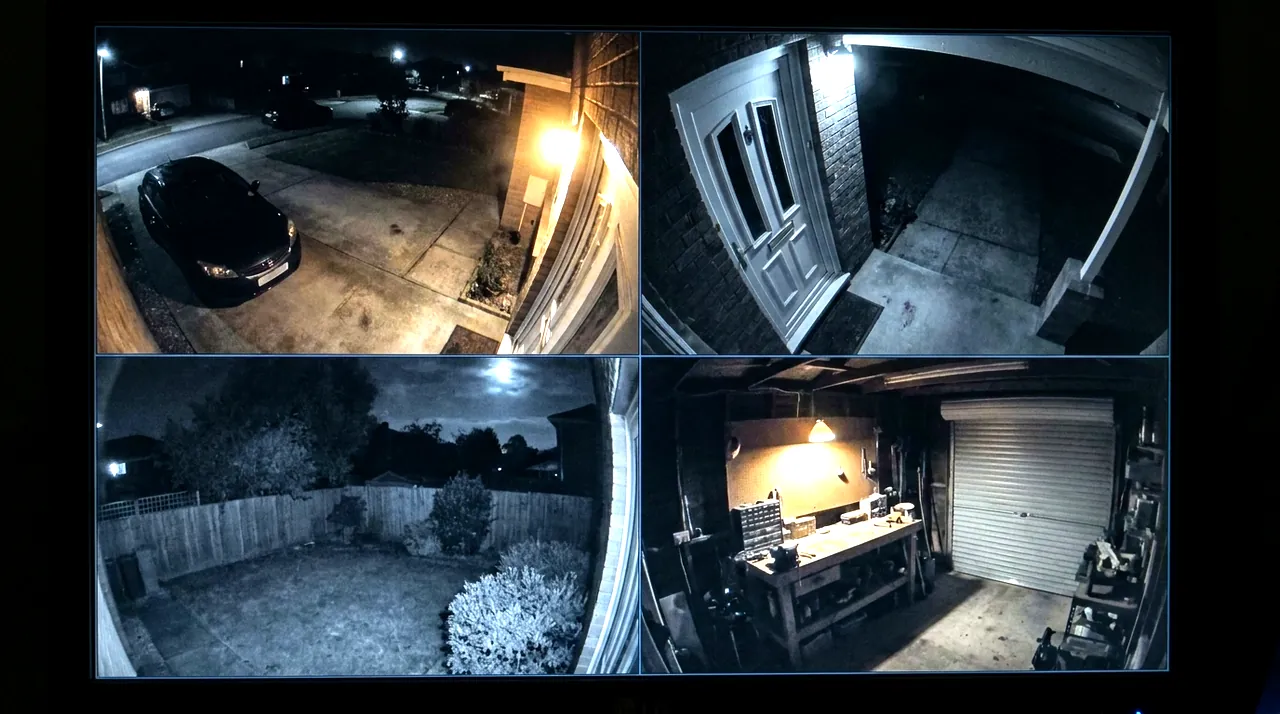 Driveway
Front door
Back garden
Workshop
Motion
Driveway
Front door
Back garden
Workshop
Motion
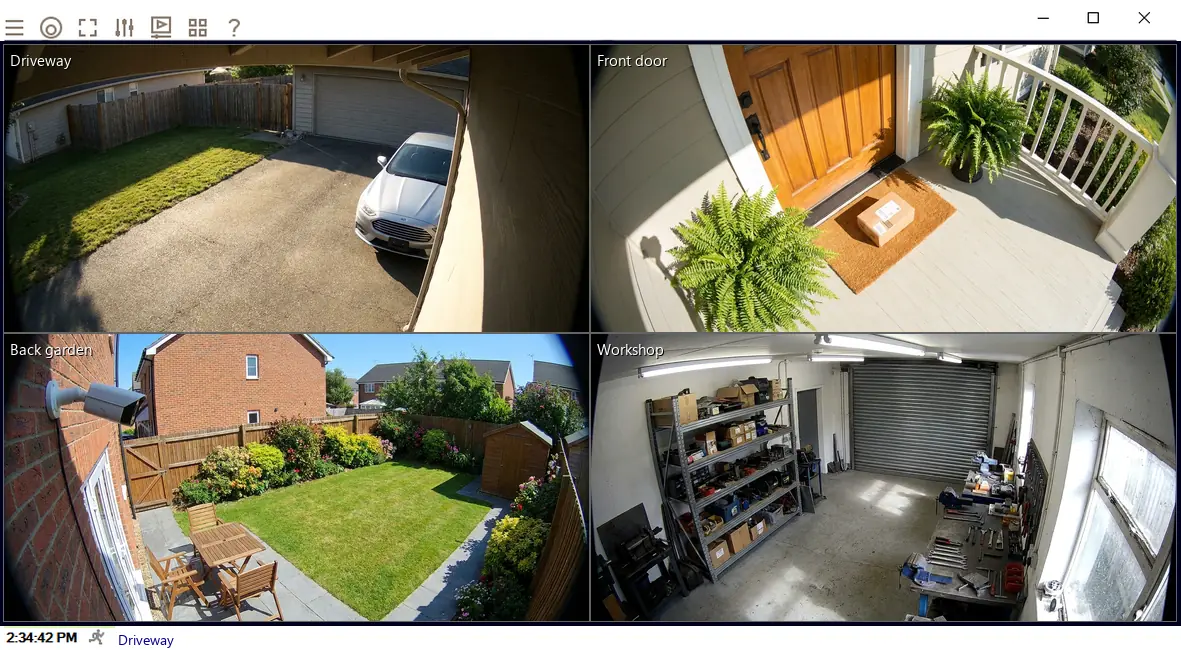
Recordings are written to your own drive. No cloud, no storage plan, no monthly fee.
If it is an IP camera built to the ONVIF standard — and nearly every camera sold today is — VISEC works with it, whoever made it. Older analog and USB cameras work too.
HikvisionDahuaUNVReolinkAmcrestLorexSwannTP-LinkAnnkeAxisHanwhaBoschVivotekTiandyand the rest
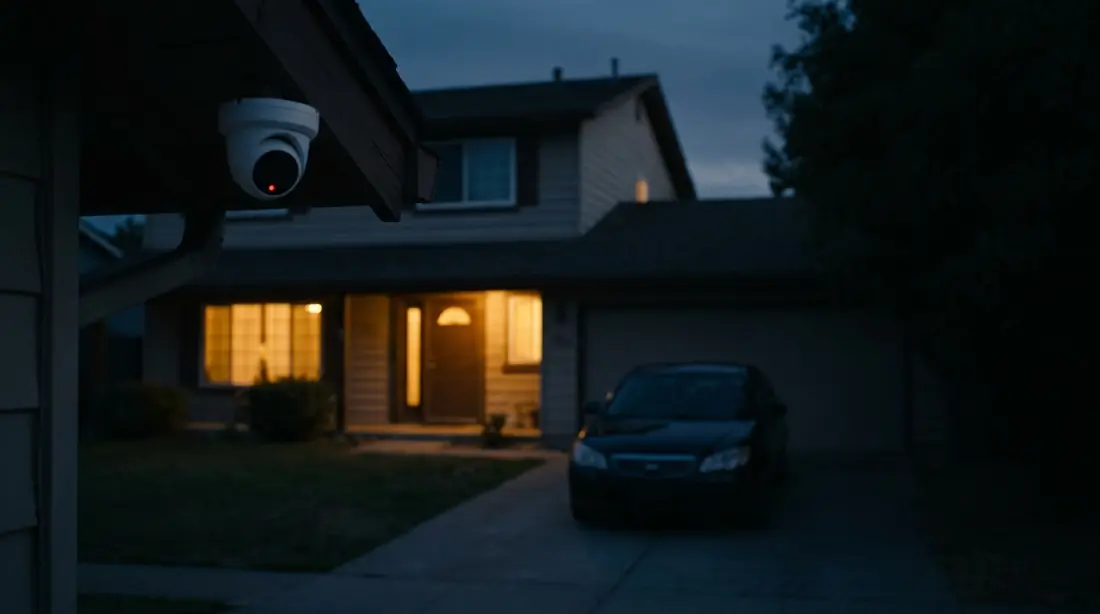
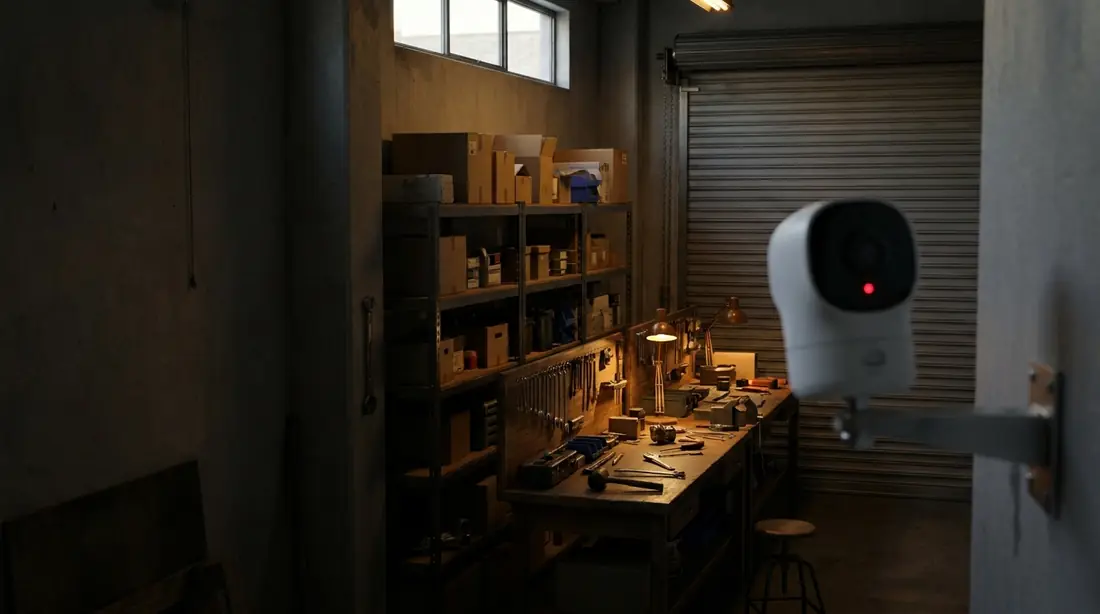
Your PC needs Windows 10 or later (64-bit) and 8 GB of memory, plus room for recordings. For 4 or 5 cameras, a 500 GB drive usually holds three to four months. Full requirements
What you get
Also built in · nothing extra to buy
Unlock a door, open a gate, switch on a light or sound a siren from a camera event, using the inputs and outputs on ONVIF and Axis cameras.
How it worksVISEC reads QR codes straight from the camera picture. No scanner and no extra software, and it can run an action on what it reads.
Where it helpsPlate recognition logs every vehicle that passes and can trigger on a match. Useful on a gate, a yard or a car park.
See plate recognitionStart with the free one camera license. When you add cameras, buy a license once and keep it.
Free one camera license. No card, no email, no trial clock.